Learn Pro Video Editing on Android/iPhone/PC

What You Will Learn
Explore the core benefits of the course, then open the detailed course curriculum plus AI - Powered Video Editing, Motion Graphics and Bonus 100 Gb Editing Pack with CapCut Pro (with AI & Premium VPN).
- 01From ₹ Zero to ₹50K+ /Month
- 02Viral Shorts/Reel Retention
- 03Crazy Premium Motion Graphics
- 04Future Proof Creative Career
- 05Zero Prior Experience Needed
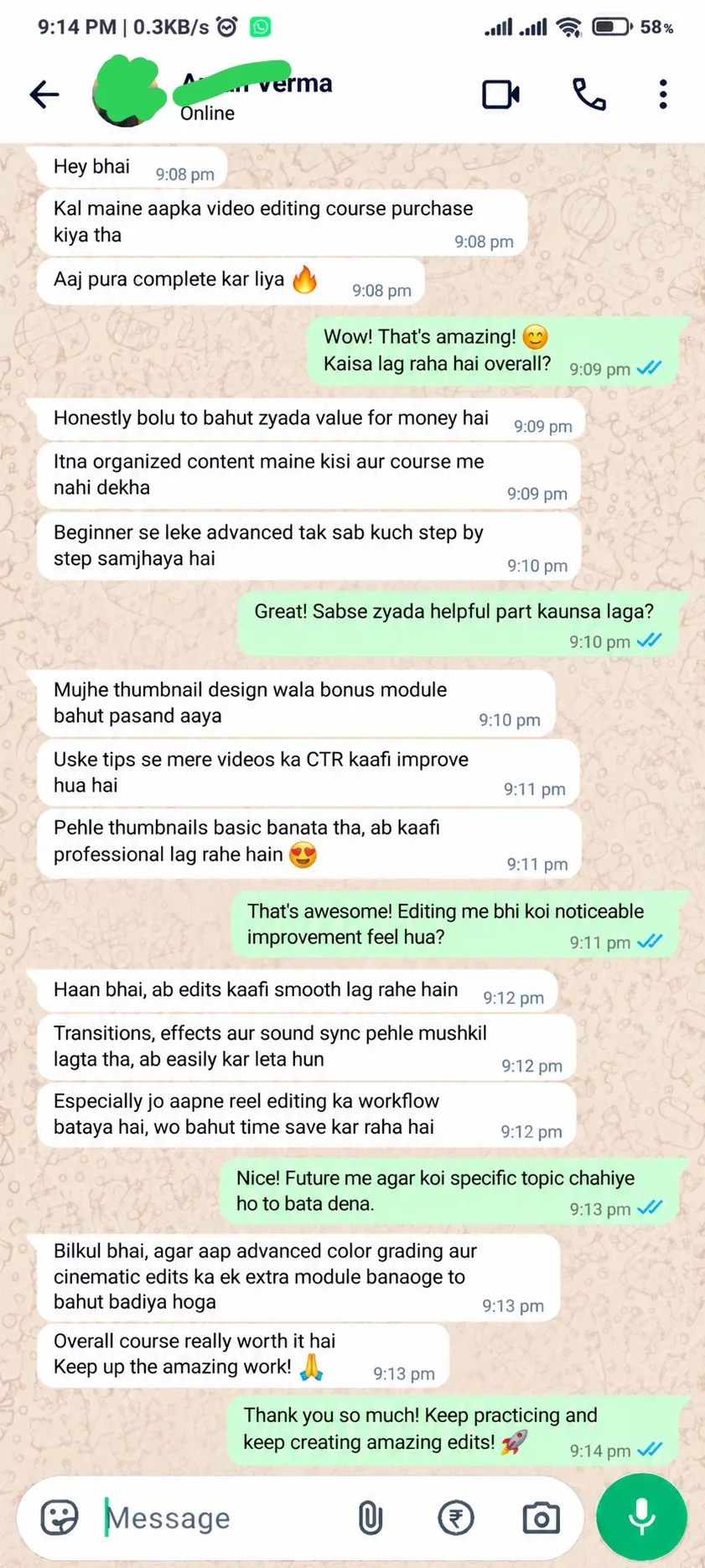
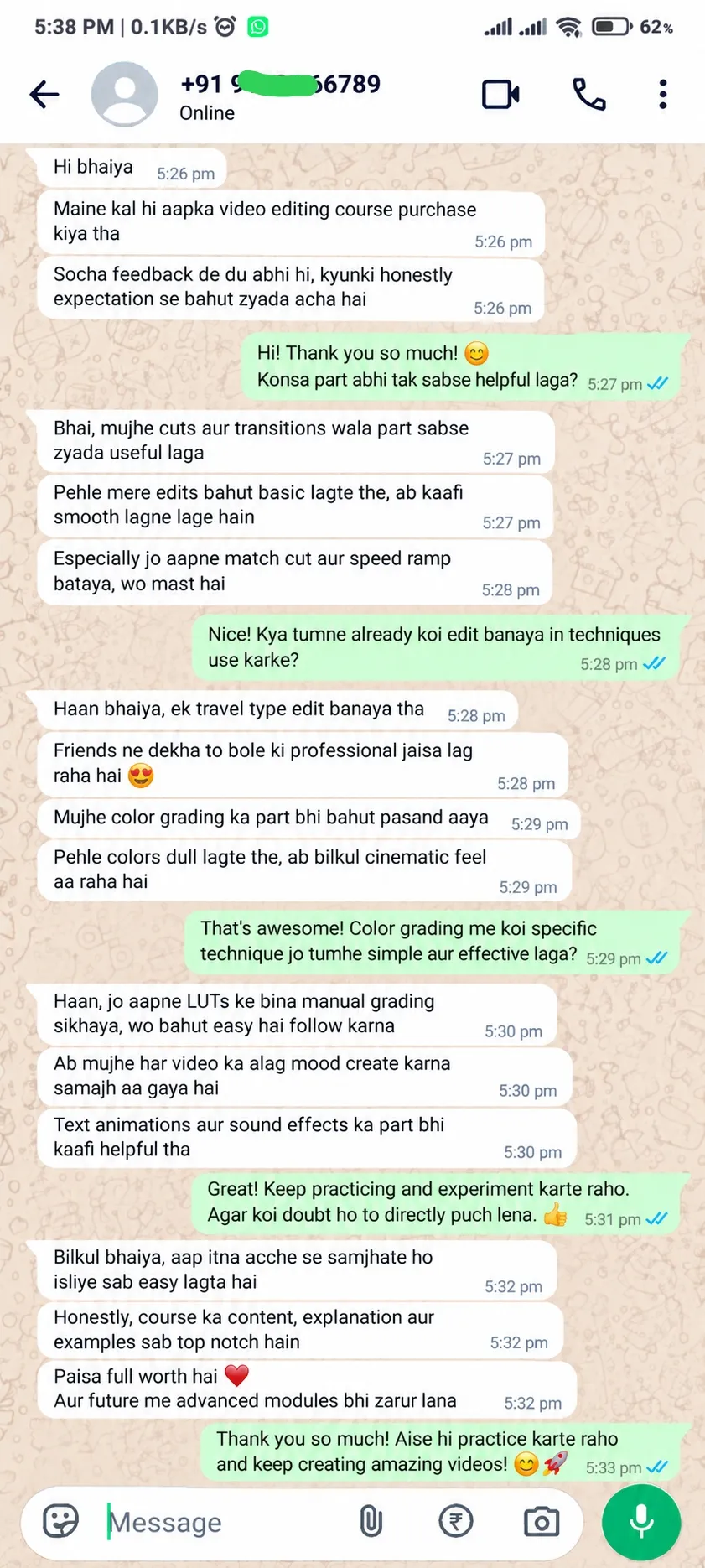
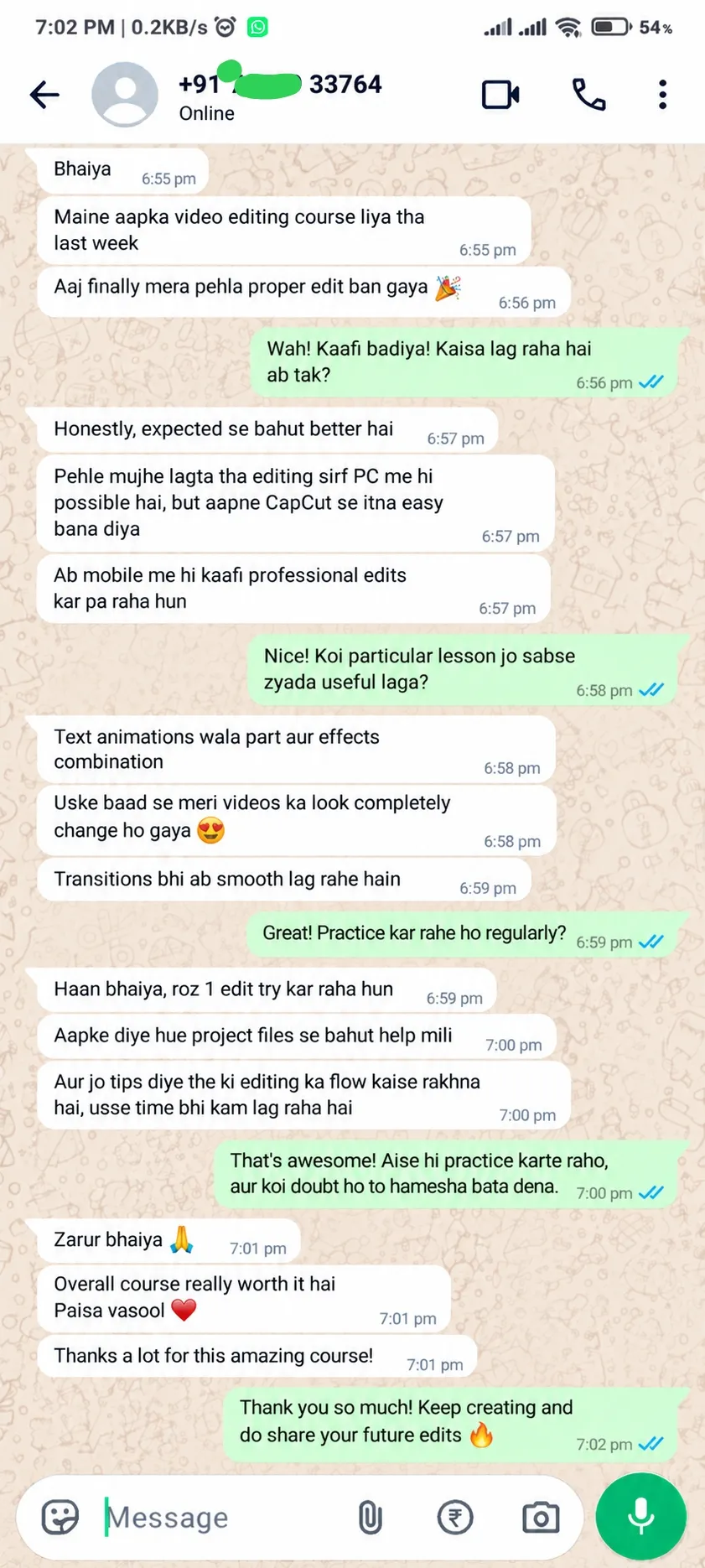
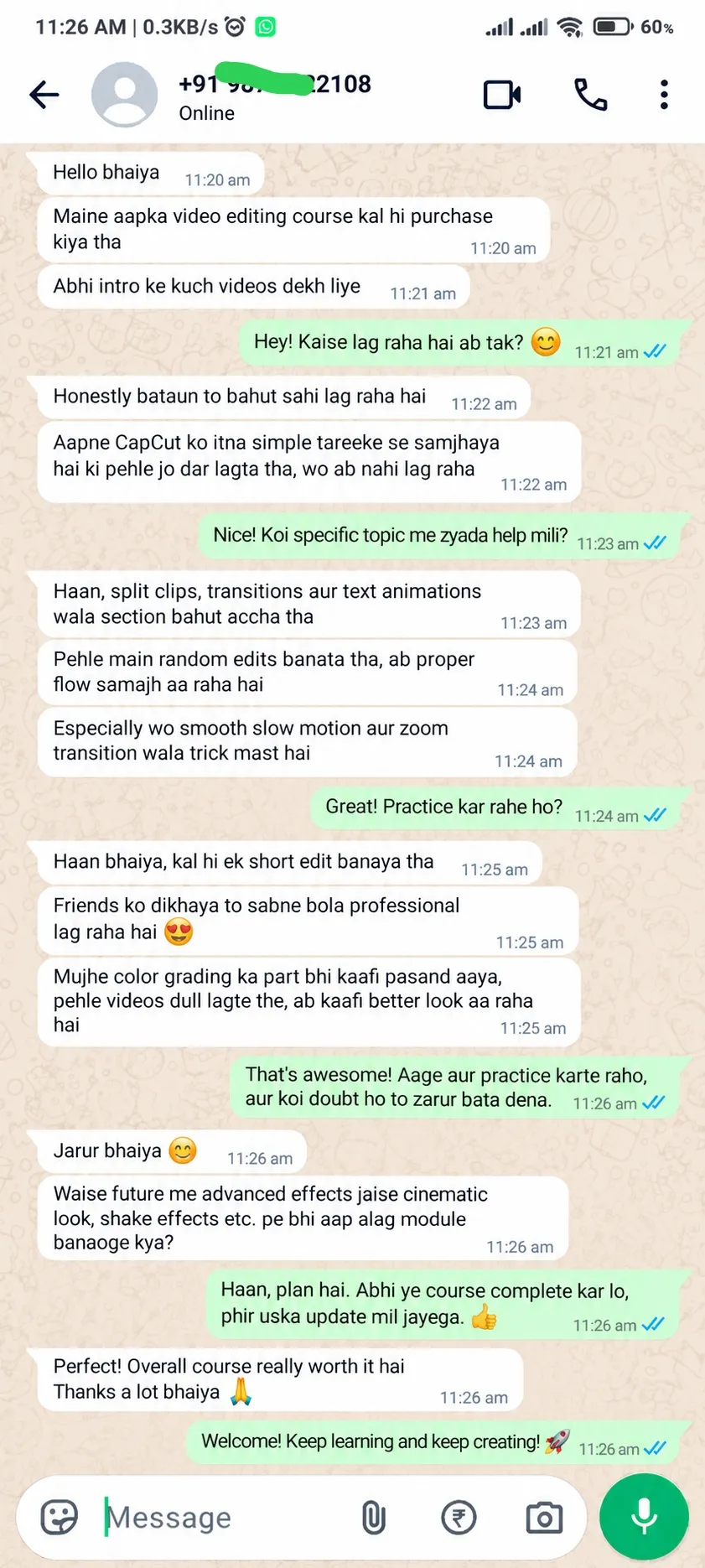
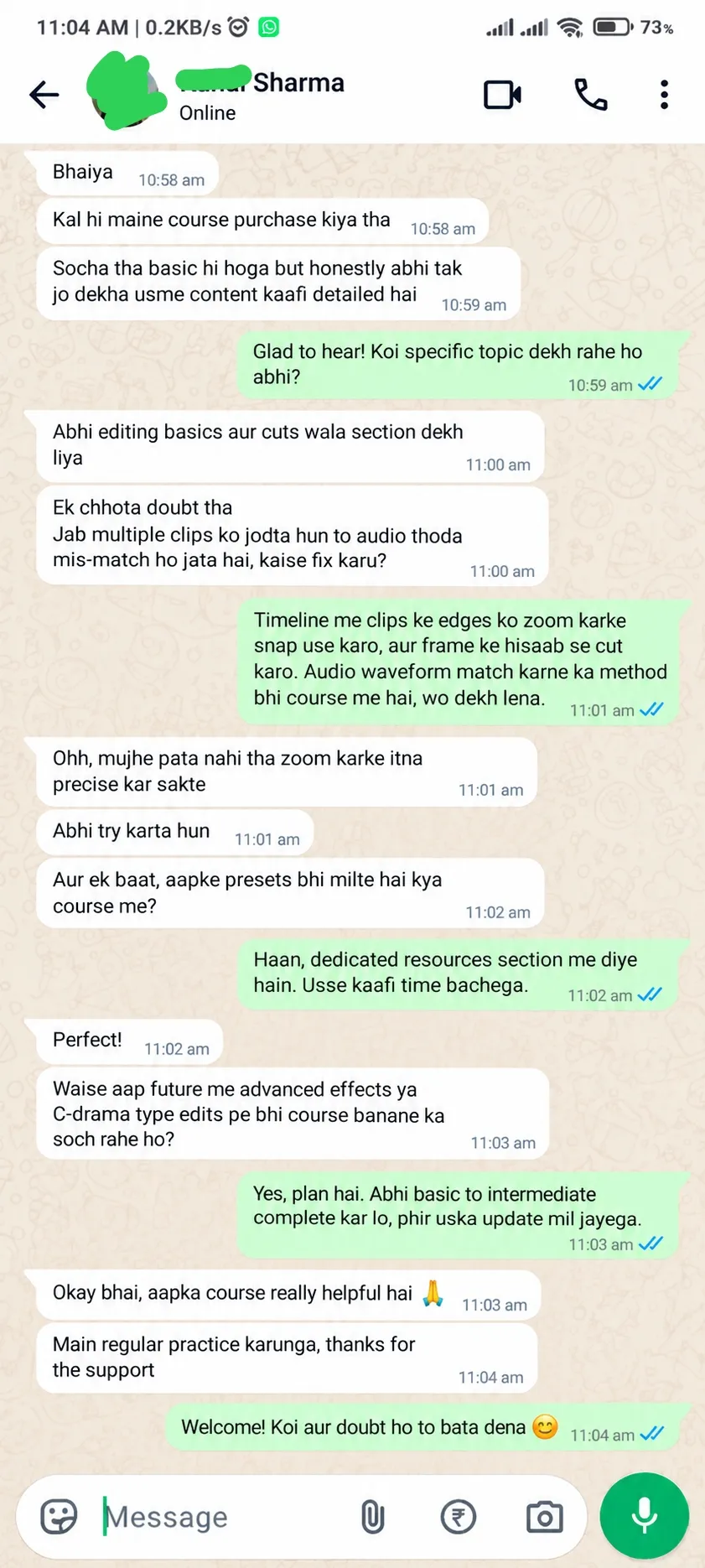
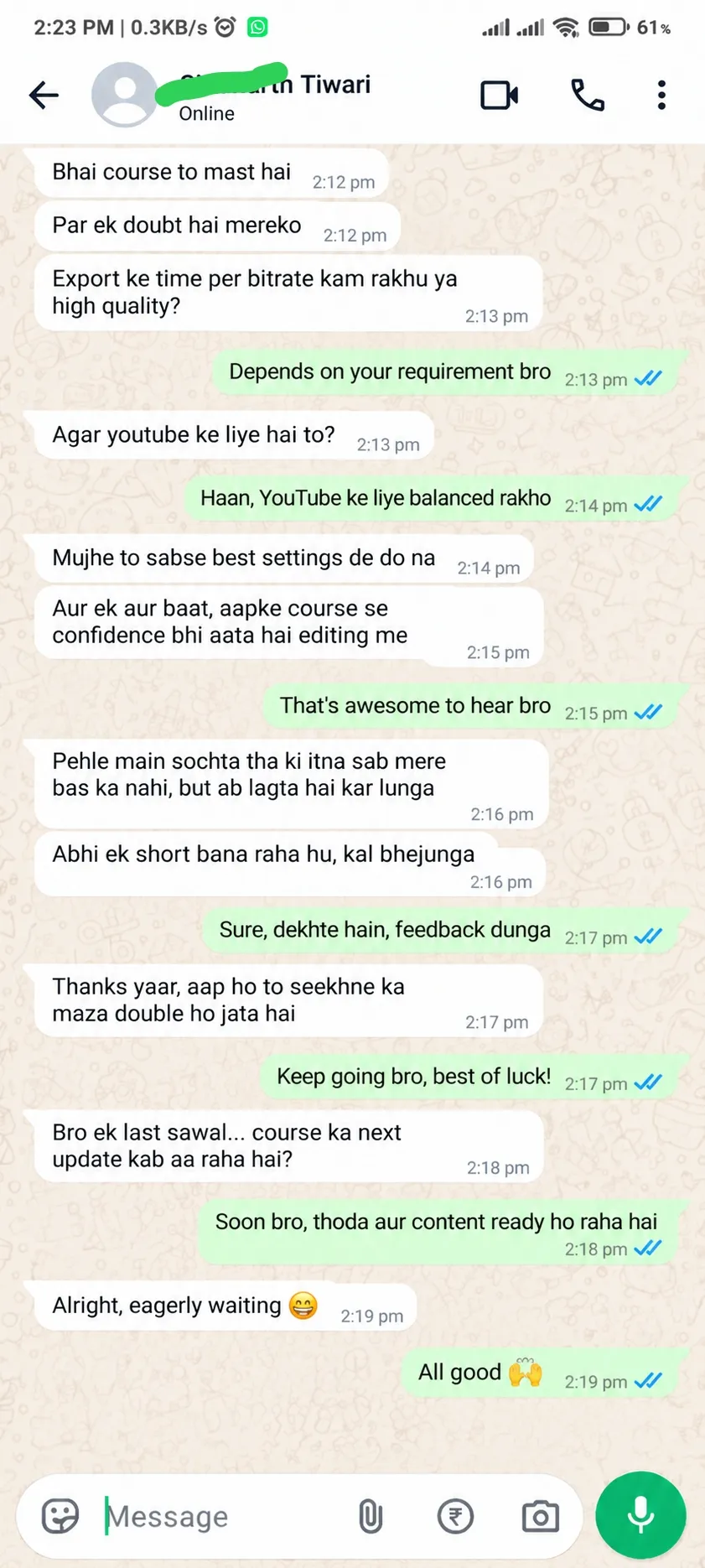
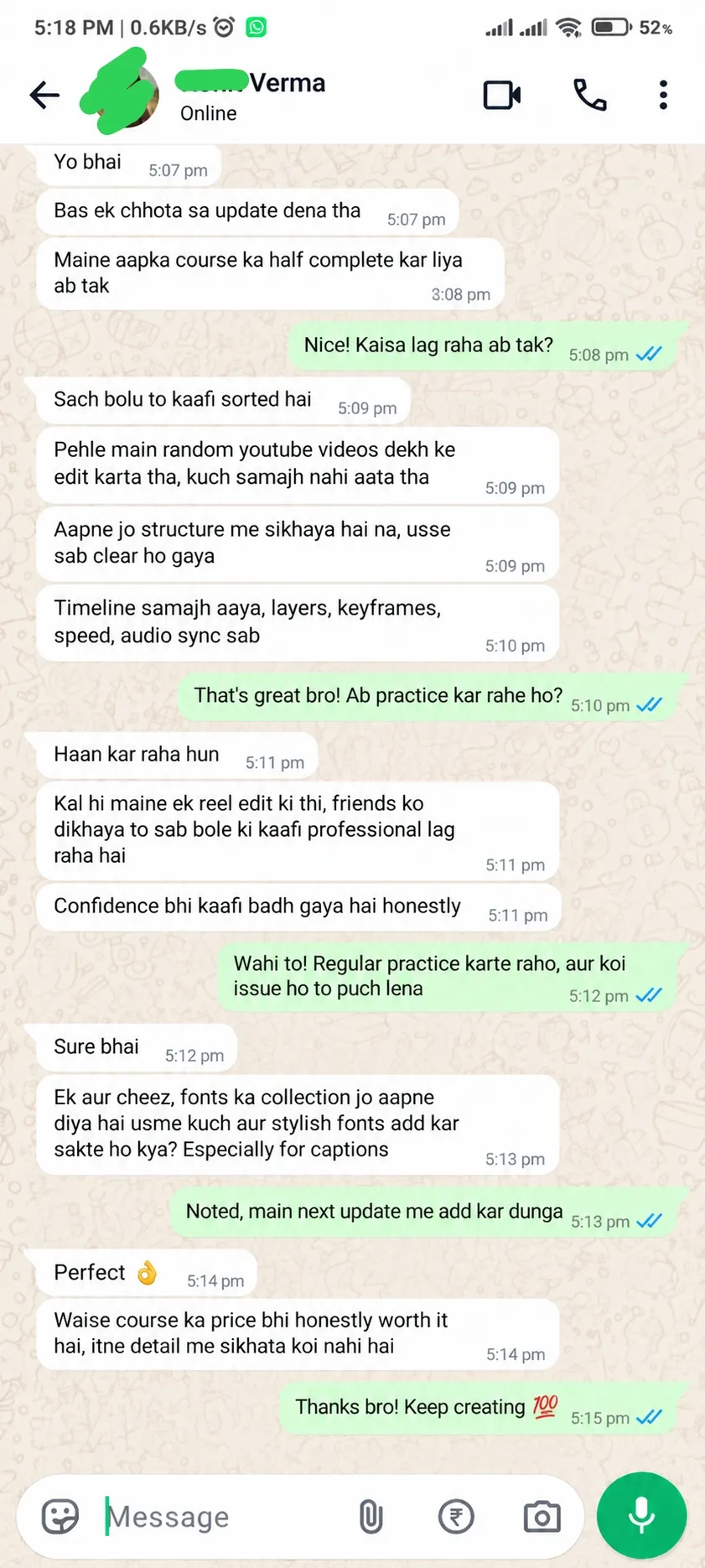
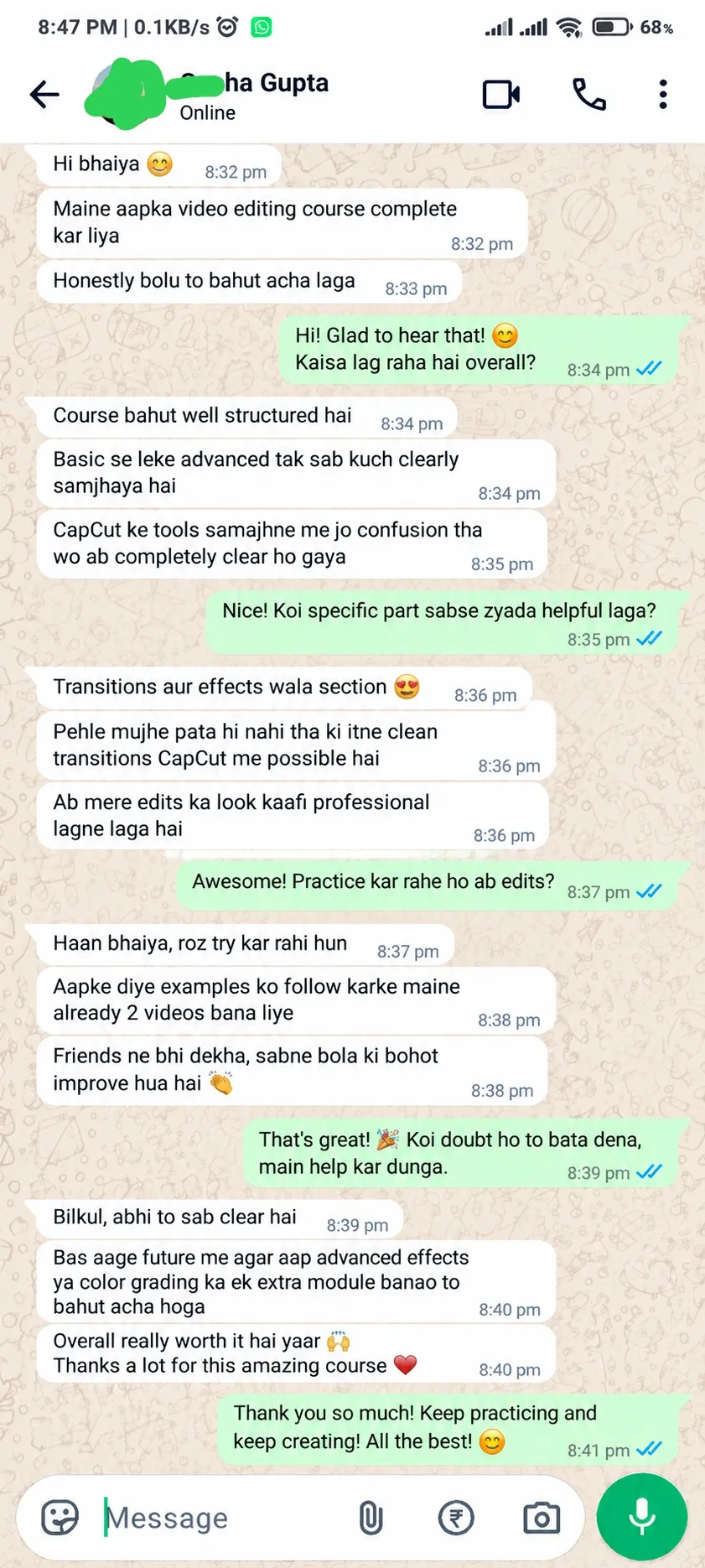
Student Reviews
Real feedback from learners about their video-editing journey.
Frequently Asked Questions
Sawaal dil mein mat rakho, ek baar saare FAQs check kar lo. Pro editor banne ka shortcut yahi hai, tumhara investment 100% vasool hoga!
Haan, bilkul! Ye course zero level se design kiya gaya hai, taaki agar aapko pehle se kuch bhi nahi aata hai, tab bhi aap aasani se step-by-step sab kuch seekh sakein.
Haan ji, CapCut mobile (Android/iOS) aur PC/Desktop dono par chalaya ja sakta hai aur hum aapko sikhayenge bhi.
Bilkul nahi. Aapko kisi bhi purane experience ya skills ki zarurat nahi hai; hum aapko basic se lekar advanced level tak sabhi cheezein scratch se sikhaengeAap bas dhyan se har ek word ko sunna baaki khud ba khud aapko saare cheezein 100% aajayega.
Iss Advance Video Editing Course mein apko har ek cheez provide kiya jayega jisse aap market mein ek asli editor ki tarah lakhon mein salary bana pao, aap course curriculum ke upar click karke dekh sakte ho aapko 56 sessions me kya kya mil raha hain.
Haan, ye self-paced course hai. Aap apni marzi ke time aur apni speed ke hisab se saari videos dekh aur practice kar sakte hain.
Payment complete hote hi aapko registration/login details mil jayengi. Agar payment ya login mein koi bhi problem aati hai, toh hum aapko zaroor course avail kara denge within 24 hours.
Nahi zaroori hai, kyunki hamari taraf se aapko CapCut Pro (WITH AI Features) 100% free provide kiya ja raha hai is offer bundle mein.
Agar aapko payment ya login karte waqt koi bhi dikkat aati hai, toh aap bilkul fikr na karein; hamari team 24 hours ke andar aapki payment verify karke fir problem solve karke aapko course access de degi.
Why Choose CapCut Mastery?
A step-by-step learning path for people who want to create cleaner, more engaging videos with CapCut.
For Content Creators
Learn practical editing workflows for short-form videos, reels and social content.
For Aspiring Freelancers
Build a foundation in video-editing techniques you can practise and develop into a portfolio.
For Students
Learn a creative digital skill alongside your studies, one editing step at a time.
For Small Businesses
Understand how to prepare product clips, promotional videos and social media content.
For Beginners
Get familiar with the timeline, tools and common editing techniques without starting with complex software.
CapCut Kaise Seekhenge?
Market mein ab tak ka best course ke har lesson ke saath step by step seekhein, khud practice karein aur apni videos ko professional look dene ka confidence build karein.
Course Shuru Karein
Login karke apna course dashboard kholein aur lessons ka sequence samjhein. Aapko clear rahega ki pehle kya seekhna hai aur kaise aage badhna hai.
Dekhkar Saath Saath Seekhein
Editing demonstrations dekhein aur har technique ko CapCut mein follow karein. Sirf dekhna nahi, har tool ko use karna bhi seekhein.
Khud Editing Practice Karein
Clips trim karein, text, overlays aur transitions add karein. Har practice ke saath apni timing, creativity aur editing skills ko next level par le jaayein.
Apni Video Export Karein
Apni final edit ko polish karein, course mein sikhayi gayi export settings use karein aur apni video ko share karne ke liye ready karna seekhein.
What You Get Inside the Course
A structured way to learn CapCut editing concepts and practise them on your own projects.
Guided Video Lessons
A clear sequence to follow as you learn editing tools and workflows.
Practical Editing Workflows
Follow along with common editing tasks and apply them to your own footage.
Learn at Your Pace
Revisit the concepts as needed, subject to the final course access terms.
Start Creating Better Videos with CapCut
Join 2,500+ students learning and building their video-editing skills.
Follow a practical, step-by-step learning path and practise at your own pace.
Need a hand? We're here to help.
Questions about the course, payment or access? Reach us directly through either of our support channels.
WhatsApp Support 24/7
Need help with your course, payment or access? Message us anytime. WhatsApp chat only, no calls please.
Chat on WhatsAppEmail Support
Prefer email? Write to our support team and we'll help you with your questions. support@editmastery.in
Send an Email